Bspline inking
Using Bsplines instead of standard vector beziers is working out.
ART
7/6/20261 min read
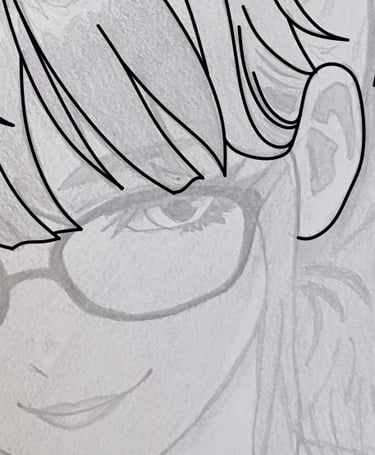
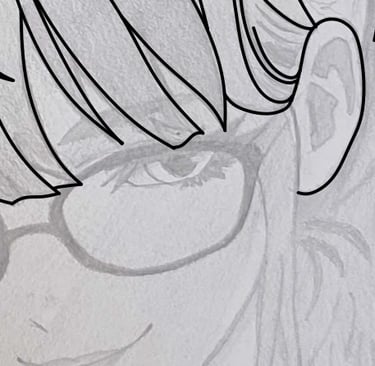
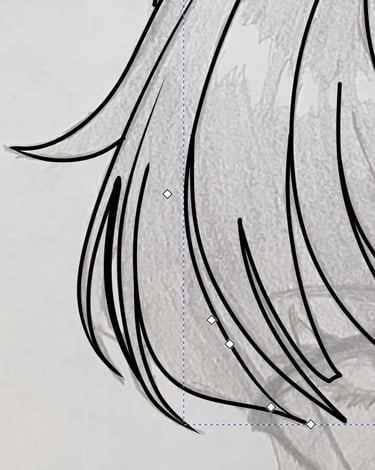
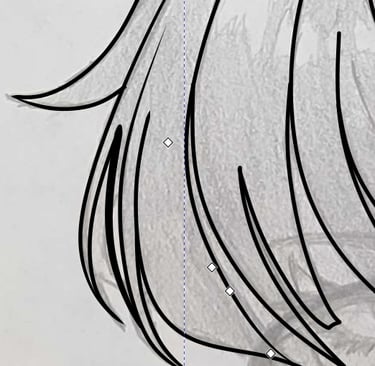
Testing out bsplines in Inkscape. I've been moving back to that to get away from Affinity since its demise, and I think that bsplines are a workflow that suits me much better when it comes to inking sketches. The sketch here was supplied by the incomparable Lorelai, who I am hoping to collaborate with for complete works.
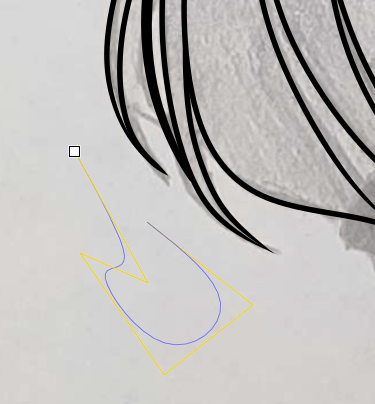
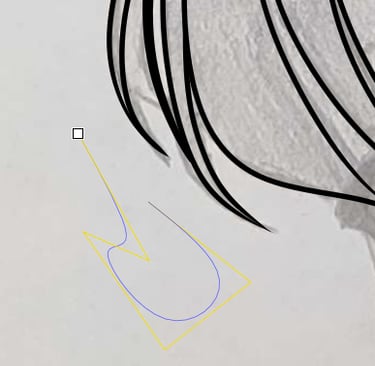
If you aren't familiar with a bspline: If you've used Inkscape, the formerly independent Affinity Designer, Adobe Illustrator, or others, you're probably familiar with bezier curves. Those have control nodes on the curve itself. That first image up there? See the yellow line with the sharp corners? That is where the control nodes will go for a bspline curve. That is, I have no control over the curve directly, and instead I place it via movement of the nodes or introduction of additional nodes. You can see what it looks like on the second image. The rest is line effects to taper or otherwise shape the stroke on the curve.
This feels so smooth. I think I can work with this. Images of humans have always been a sticking point for me (you simply aren't going to see my failures there), and this feels like a path forward. I'm delighted.